Photographing a nutrition label instead of typing it over
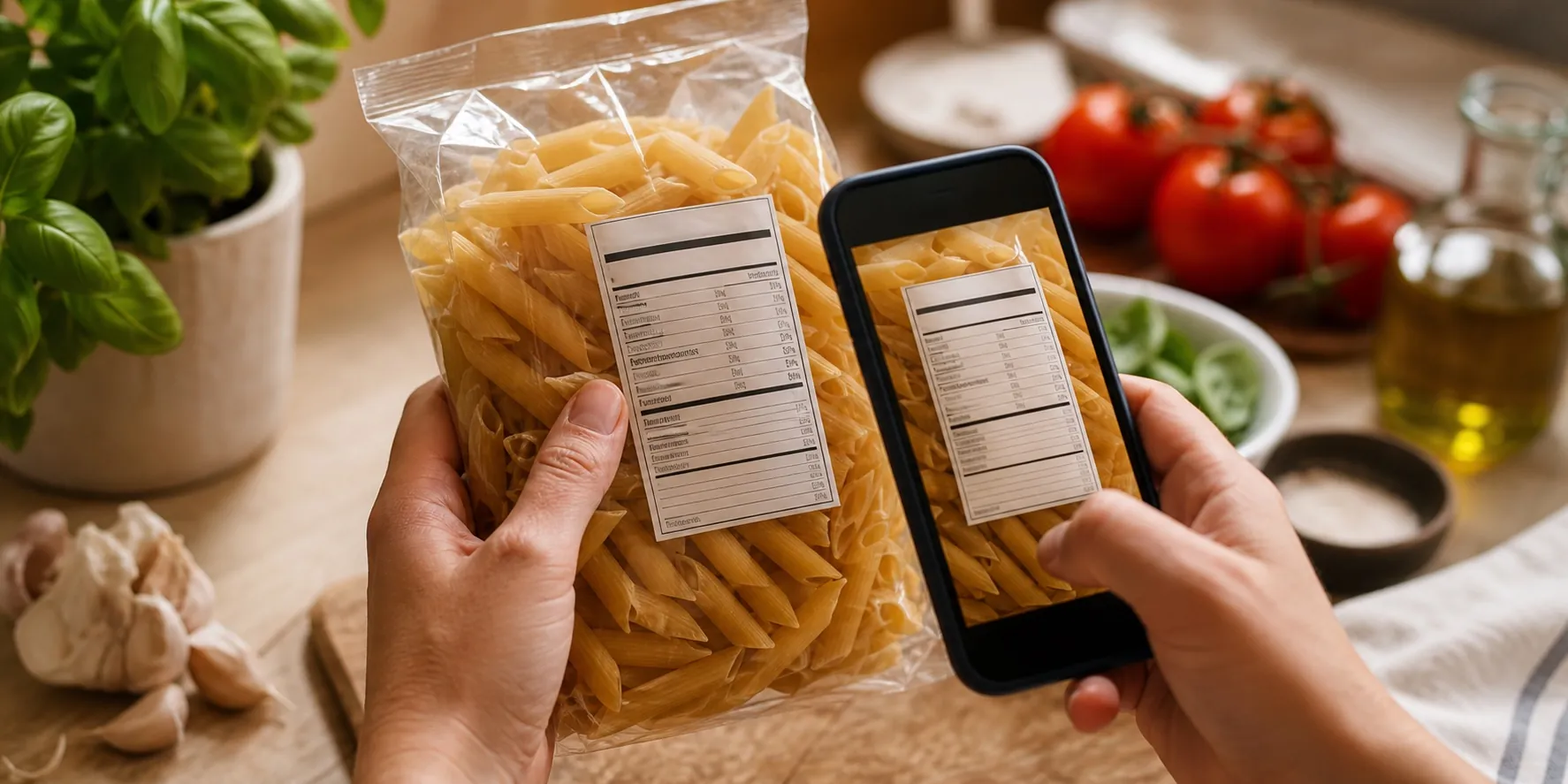
A product that is not in the database yet normally costs a few minutes of typing: energy, protein, carbohydrates, sugars, fat, saturates, fibre, salt. Talorie reads that table from a photo and fills the fields in for you.
Free to use. No trial that runs out.
What happens after the photo
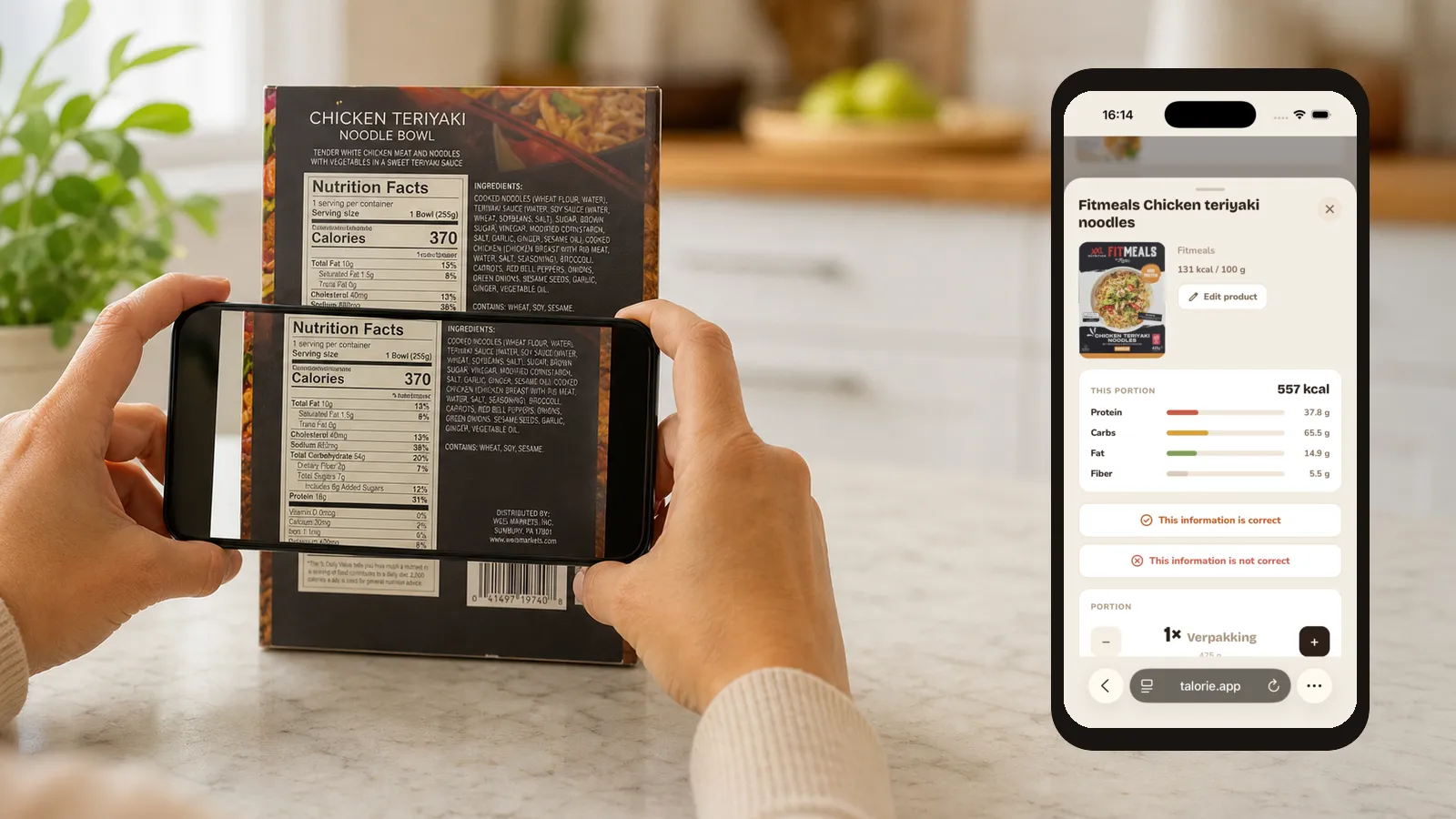
The photo goes to an AI model that reads the table and returns the values into the fields of the form.
- The base amount from the label, so per 100 grams or per serving
- Calories, protein, carbohydrates and fat
- Fibre, sugar, sodium, calcium and iron when the label lists them
- Portions named on the pack, such as a bar or a can
Why you still check it yourself
A model reads a table, but it can misread a digit, certainly on a creased pack or a crooked photo. The values therefore land in a form for you to look over before you save.
That is deliberate: the product you save becomes visible to every user. A mistake of yours becomes everyone's mistake, until somebody corrects it.
Tips for a good photo
A sharp, straight photo of the whole table gives the best result.
- Make sure both the header row and all the values are in frame
- Hold the packaging as flat as you can
- Keep shadow off the table
- You may take several photos, for instance the front and the table
Frequently asked questions
Do I still have to check the values?
Yes. Talorie fills them in, you look them over. The product is shared with every user, so a check is worth the moment.
Does it work with foreign labels?
Usually. If a value is in ounces, enter the base amount as the label states it.
How often may I scan?
There is a limit of ten scans an hour, to keep the cost of reading them in hand.
Create a free account and keep your first day. Searching the database works without one.